

Fed up with having your job logs in the database?
Even more fed up with years of job history and no practical way to delete it?
Discover the new Dataflow features that lighten your history.
Externalised logs with Flysystem
Until now, logs were stored in the database. Although convenient, this approach is not compatible with modern log management tools.
To bring things up to date, since Dataflow 5.4 it is possible to write logs to any storage compatible with Flysystem.
Here is an example configuration for storing logs in S3:
oneup_flysystem:
    adapters:
        awss3v3_dataflow:
            awss3v3:
                client: 'Aws\S3\S3Client'
                bucket: '%env(string:AWS_BUCKET)%'
                prefix: 'dataflow'
                options:
                    ACL: bucket-owner-full-control
        filesystems:
            dataflow_logs:
                adapter: awss3v3_dataflow
                alias: 'dataflow_filesystem'
code_rhapsodie_dataflow:
    exceptions_mode:
        type: 'file'
        flysystem_service: 'oneup_flysystem.dataflow_logs_filesystem'
Automated history cleanup
In a project with several jobs running frequently, the history can quickly fill up with thousands of rows.
To clean up this history easily, a command has been available since Dataflow 5.5.
php bin/console code-rhapsodie:dataflow:job:cleanup
This command deletes all jobs that finished more than 30 days ago. This retention period is configurable:
code_rhapsodie_dataflow:
    job_history:
        retention: 30
Crashed jobs
Even though Dataflow tries to catch every error so that each job is properly marked as finished, there are still cases where a job gets stuck in the "In progress" state.
This is confusing for users, who think the job is still running when it has actually crashed.
To better reflect the state of jobs, a new command has been available since Dataflow 5.5.
php bin/console code-rhapsodie:dataflow:job:set-crashed
This command marks all jobs that have been running for more than 24 hours as crashed. This delay is configurable:
code_rhapsodie_dataflow:
    job_history:
        crashed_delay: 24
Want to go further and try Dataflow? https://github.com/code-rhapsodie/dataflow-bundle/#installation
Nos derniers articles
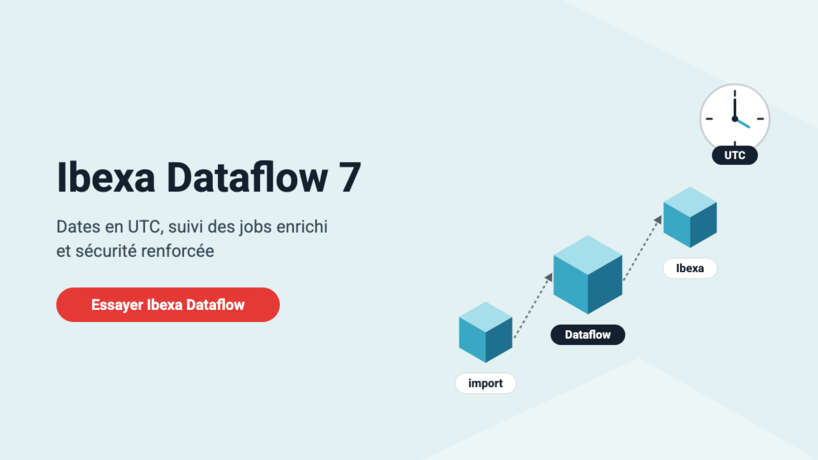
Dataflow and Ibexa Dataflow 7: UTC dates, richer job tracking, stronger security
Since our last article, Ibexa Dataflow has gone from version 6.1.2 to 7.0.0: a richer ...
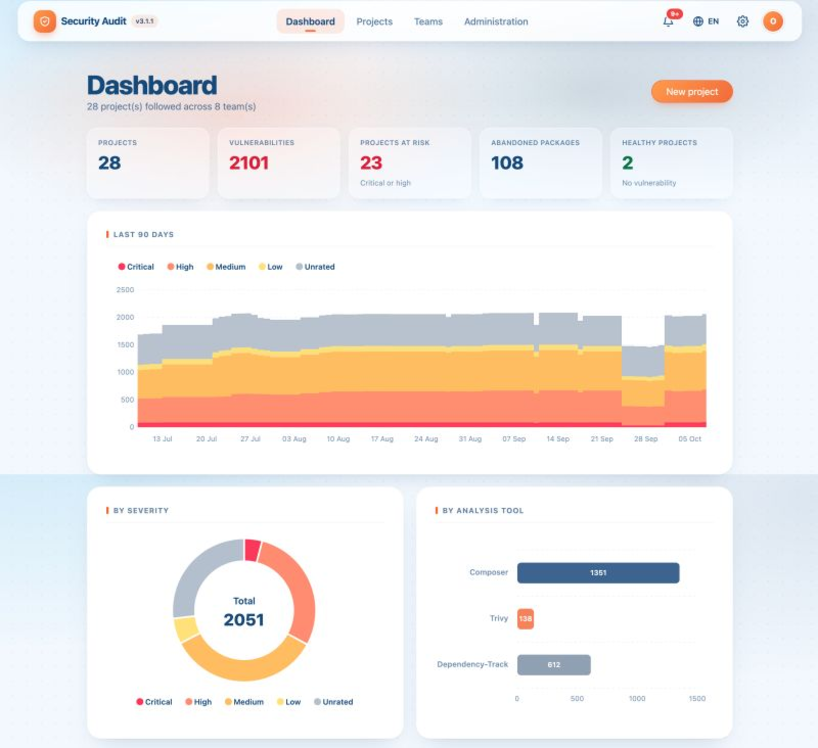
Security Audit gets a makeover: new design, new dashboard, still free
New dashboard, new design, new analyses and an ambitious roadmap: Security Audit moves to version ...

AI-generated code, Shadow Dev and technical debt: how to avoid destabilising your PHP/Symfony application
While AI assistants have revolutionised code production by significantly speeding up development, their widespread use ...
What's new in Dataflow: file-based log storage and automated history cleanup
Fed up with having your job logs in the database? Even more fed up with ...
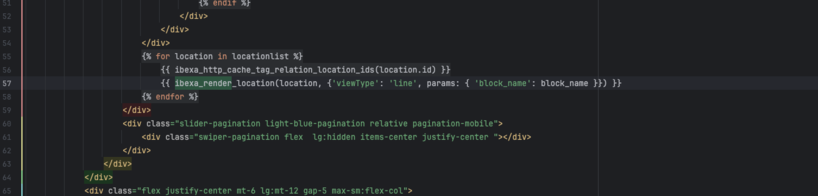
How to use parameters with ibexa_render and ibexa_render_location
If you have been developing on Ibexa for a few years, you have probably got ...
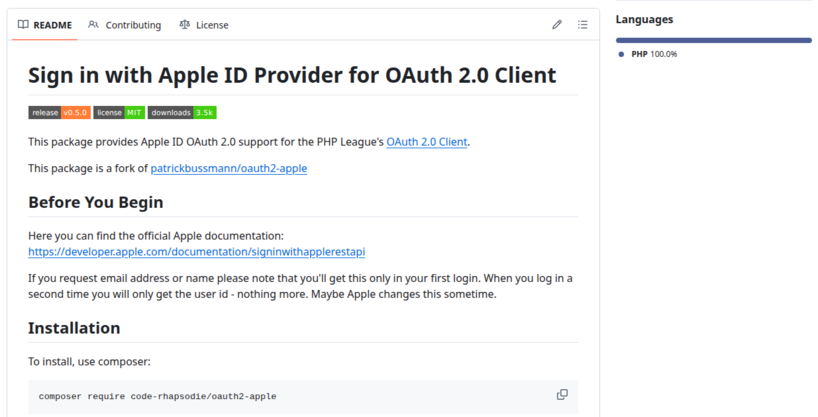
Taking over maintenance of the Apple provider for PHP League OAuth2 Client
Code Rhapsodie is taking over maintenance of Patrick Bussmann's oauth2-apple package. This fork ensures the ...

New keyword suggestion feature in the Gemini connector for Ibexa
Taxonomy keyword suggestion is available in Ibexa DXP with the LTS update pack and the ...

Split a large SQL file into smaller ones for easier import
Importing a very large SQL file can be problematic, sometimes causing your virtual machine (VM) ...

Sylius vs Shopware: which architecture should you choose for your future e-commerce site?
Sylius and Shopware are two tools (frameworks) for building an e-commerce site. How do you ...