


Project context
The project is installed on a Debian Linux VM (Virtual Box), and we need to debug a problem from an SQL file containing anonymised production data. The SQL file is several gigabytes in size.
Despite multiple attempts to import – whether via PHPStorm from your host machine, via command line from the host, or directly within the VM via its terminal – the result is always the same: the VM freezes, the import fails during the process, forcing you to start all over again.
Workaround
The best solution is to split the file into several smaller SQL files. We can then import the files to complete the data model from the table that crashed. This way, each file can be re-imported until the import is complete.
Thanks to Kedar Vaijanapurkar who developed a script for manipulating mysqldump files: https://github.com/kedarvj/mysqldumpsplitter/
MySQLDumpSplitter
Setup the script on your computerhttps://github.com/kedarvj/mysqldumpsplitter/blob/master/mysqldumpsplitter.sh et and add execution rights :
$ chmod +x mysqldumpsplitter.sh
List all tables in SQL file:
$ ./mysqldumpsplitter.sh --source my_huge_sql_file.sql --desc
Export the biggest table that crash your import:
$ ./mysqldumpsplitter.sh --source my_huge_sql_file.sql --extract REGEXP --match_str 'TABLE_NAME'
We get a out/ folder with a file TABLE_NAME.sql.gz .
Import a gzip file in MySQL
To import a .gz file, use gunzip with the following commande:
$ gunzip ./out/TABLE_NAME.sql.gz | mysql -h localhost -u <db_user> --password=<db_password> <DBNAME>
Unfortunately, we do not have much information on the progress of this import.
Progress bar
We need a progress bar to see how the import is going:

Install the progress bar
sudo apt install pv
Use pv
$ pv ./out/TABLE_NAME.sql.gz | gunzip | mysql -h localhost -u <db_user> --password=<db_password> <DBNAME>
Export multiple tables
Exporting and importing work perfectly for a single table. Here's how to export multiple tables:
$ ./mysqldumpsplitter.sh --source my_huge_sql_file.sql --extract REGEXP --match_str '(TABLE_NAME_1|TABLE_NAME_2|TABLE_NAME_3|TABLE_NAME_4|TABLE_NAME_5|TABLE_NAME_6|TABLE_NAME_7|TABLE_NAME_8)'
Bulk import script
We are not going to execute one command per table, so we will develop a small script to import all the files in theout/ folder
#!/bin/bash
for i in ./out/*.sql.gz
do
  echo "Importing: $i"
  pv $i | gunzip | mysql -h localhost -u <db_user> --password=<db_password> <DBNAME>
  wait
done
Execution of a progressive import that runs smoothly:
$ chmod +x import-sql-gz.sh
$ ./import-sql-gz.sh
Debugging of the project can begin!
Please contact us for any debugging requests for your solutions or for the implementation of your project. Do not hesitate to get in touch.
Nos derniers articles

Code généré par IA, Shadow Dev et dette technique : comment éviter la déstabilisation de votre application PHP/Symfony ?
Si les assistants IA ont révolutionné la production de code en accélérant significativement le développement, ...

Nouveautés de Dataflow : stockage des logs en fichier, et nettoyage automatisé de l'historique
Vous en avez marre d'avoir les logs de vos jobs dans la base de données ...
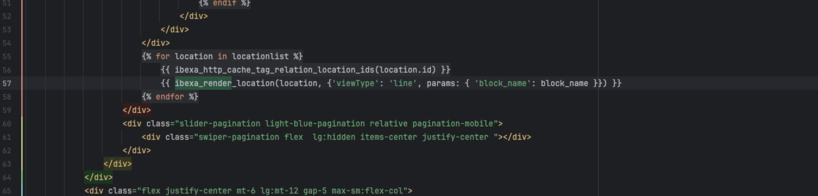
Comment utiliser les paramètres avec ibexa_render et ibexa_render_location
Si vous développez sur Ibexa depuis quelques années, vous avez pris pour habitude de passer ...
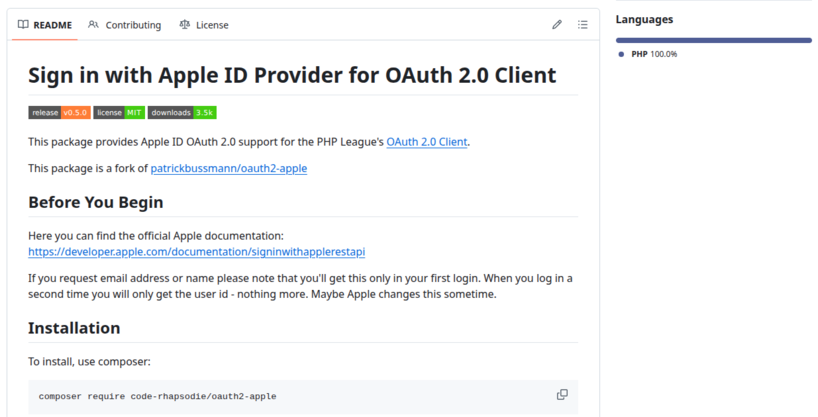
Reprise de la maintenance du provider Apple pour PHP League OAuth2 Client
Code Rhapsodie reprend la maintenance du package oauth2-apple de Patrick Bussmann. Ce fork garantit la ...

Nouvelle fonctionnalité de suggestion de mots-clés au connecteur Gemini pour Ibexa
La suggestion de mots-clés de Taxonomy est disponible dans Ibexa DXP avec le pack de ...
Split a large SQL file into smaller ones for easier import
Importing a very large SQL file can be problematic, sometimes causing your virtual machine (VM) ...

Sylius vs Shopware : Quelle architecture choisir pour votre futur e-commerce ?
Sylius et Shopware sont deux outils (framework) permettant la réalisation d'un site e-commerce. Comment choisir ...
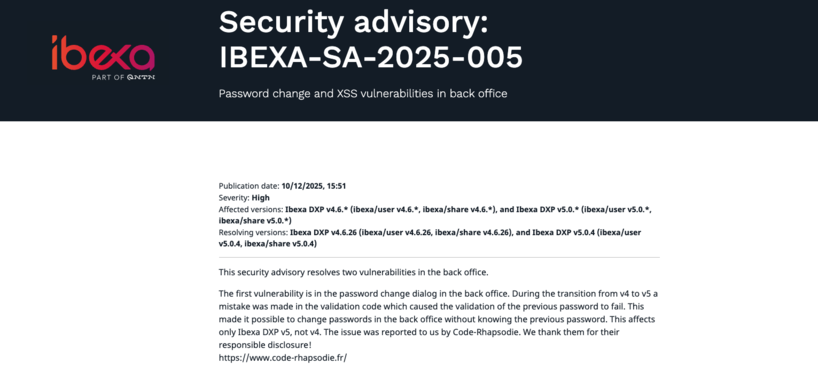
Ibexa announces the release of a new LTS version with contributions from Code Rhapsodie
Ibexa published a security advisory and subsequently released new versions of Ibexa DXP v4.6.26 and ...

Connecteur Mistral pour les actions IA d'Ibexa
Connaissez-vous les Actions IA (AI Actions) d'Ibexa ? Les AI Actions, sont une solution extensible ...