


Zones in Ibexa Page Builder
Within the Ibexa DXP Page Builder, you define the layout of your pages by declaring content zones. Blocks are then dragged and dropped into these zones to construct the page progressively, block by block.
Here's an example of a zone configuration within an Ibexa YAML file:
        dlayout_three_rows_two_columns:
            identifier: 'layout_three_rows_two_columns'
            name: 'Three rows, two columns'
            description: 'Three rows, two columns'
            thumbnail: '/bundles/ibexadashboard/img/layouts/three_rows_two_columns.svg'
            template: '@ibexadesign/dashboard/builder/layouts/three_rows_two_columns.html.twig'
            zones:
                top:
                    name: 'top'
                middle_left:
                    name: 'middle-left'
                middle_right:
                    name: 'middle-right'
                bottom:
                    name: 'bottom'
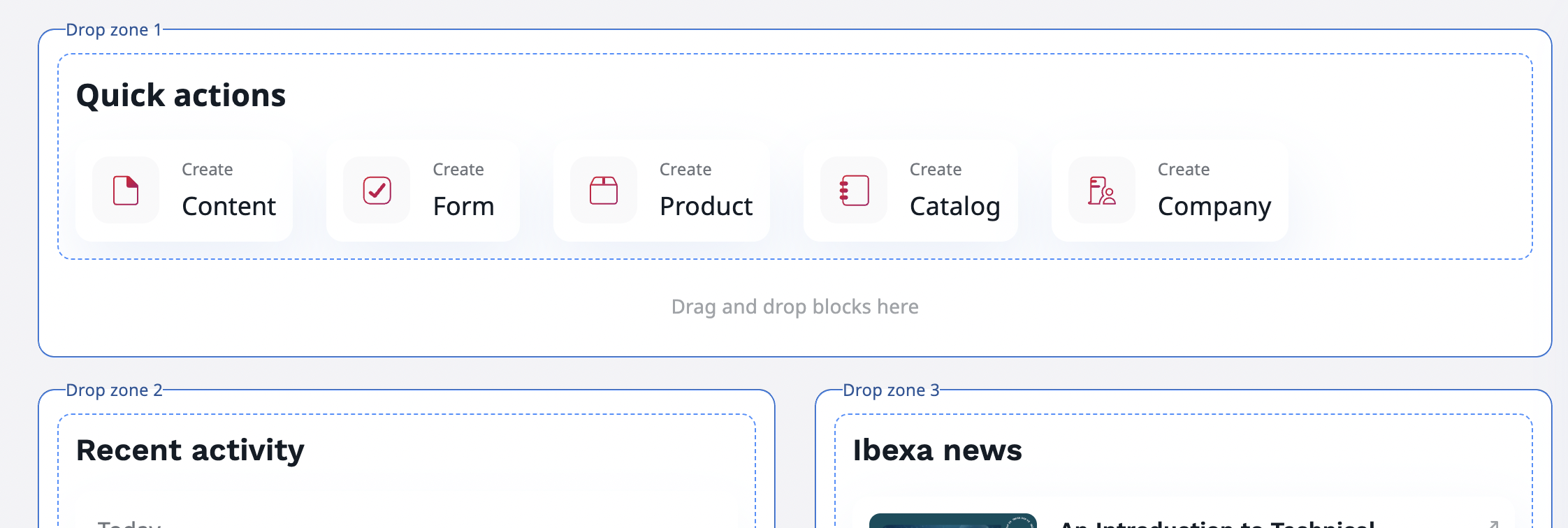
The 'top' zone name is 'top' but this name won't appear anywhere in the Page Builder's edit interface; it will be identified as Drop zone 1:
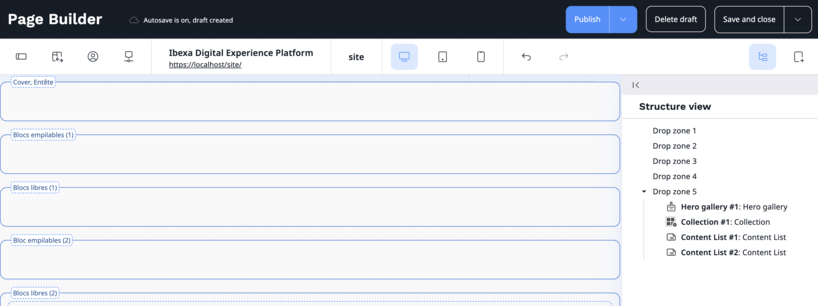
The same principle applies in the Structure view (which is very useful to move blocks from one zone to another). Zones are identified as Drop zone 1, Drop zone 2, Drop zone 3, and so on...:
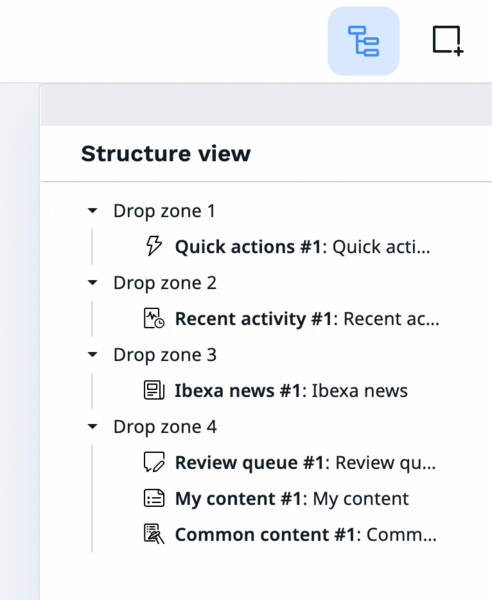
What's the point of assigning a specific name in the configuration if that name isn't used anywhere?
How is the zone name displayed?
The zone names are displayed in JavaScript by the following scripts:
- ibexa/page-builder/src/bundle/ui-dev/src/modules/page-builder/page.builder.js
- ibexa/page-builder/src/bundle/ui-dev/src/modules/page-builder/components/structure/structure.tree.js
const hasFieldset = zone.querySelector('fieldset') !== null;

if (!hasFieldset) {
  const dropZoneLabel = Translator.trans(
    /*@Desc("Drop zone %number%")*/ 'structure.drop.zone',
    {
        number: index + 1,
    },
    'ibexa_page_builder',
  );
  const fieldset = document.createElement('fieldset');
  const legend = document.createElement('legend');
It's tricky translating text strings when the labels change depending on the area. Within the page.builder.js script, it appears that if a <fieldset> element already exists in the DOM for a given area, it isn't recreated.
Without getting into overly complex development or kernel hacks, we should be able to add this HTML block to our layout template to properly name our areas,
Ensuring intuitive zone names
Consequently, we've added the <fieldset> and <legend> elements, with the zone name configured in our YAML file, to our three_rows_two_columns.html.twig template.
<div class="ibexa-db-zones">
    <div class="ibexa-db-zones__row">
        <div class="ibexa-db-zones__zone" data-ibexa-zone-id="{{ zones[0].id }}">
             <fieldset class="m-page-builder__fieldset">
                <legend class="m-page-builder__legend"
                        style="background-color: white; padding: 3px; border-radius: 5px; border: 1px dashed #4191ff;"
                >
                  {{ zones[0].name }}
                </legend>
             </fieldset>

            {% if zones[0].blocks %}
    ...

            {% endif %}
        </div>
    </div>
    <div class="ibexa-db-zones__row ibexa-db-zones__row--double">
        <div class="ibexa-db-zones__zone" data-ibexa-zone-id="{{ zones[1].id }}">
            <fieldset class="m-page-builder__fieldset">
                <legend class="m-page-builder__legend"
                        style="background-color: white; padding: 3px; border-radius: 5px; border: 1px dashed #4191ff;"
                >
                  {{ zones[0].name }}
                </legend>
            </fieldset>
            {% if zones[1].blocks %}

   ...

            {% endif %}
        </div>
    </div>
</div
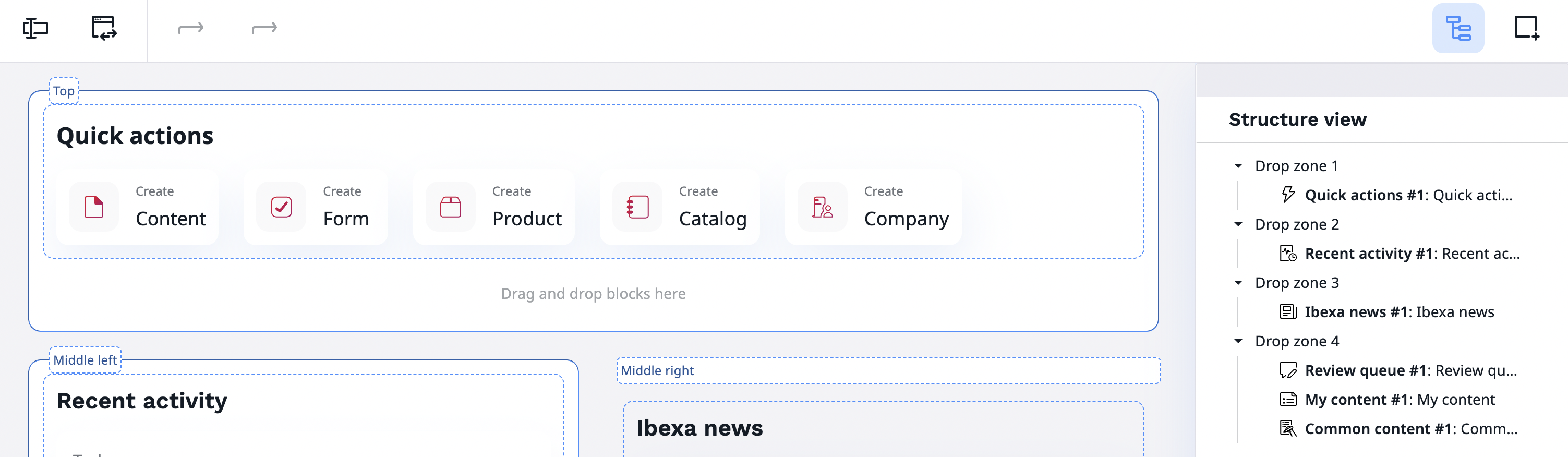
The preview areas now offer clearer, more informative feedback, which is particularly helpful when dealing with complex editorial management scenarios, such as the following example:
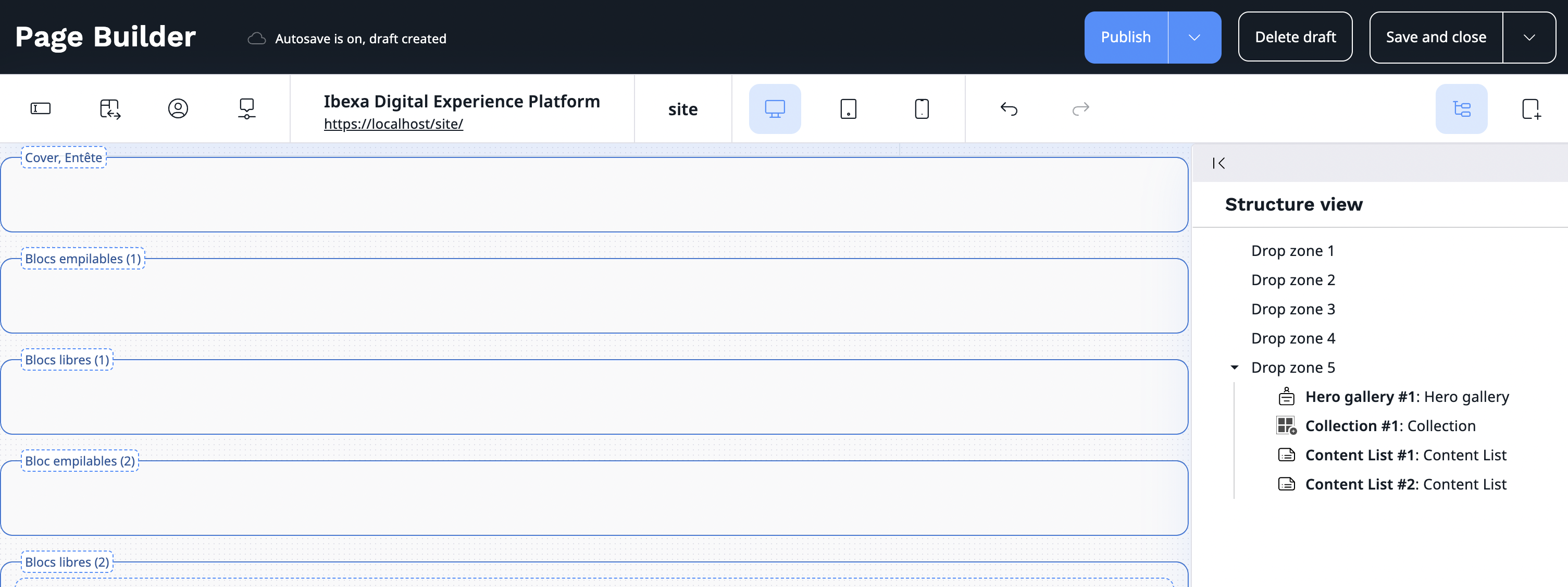
Without explicit zone names, the editorial team can't distinguish between a Cover zone, a zone with stackable blocks (which we'll discuss in a future article), or a adaptable zone where blocks display one after the other.
Any ideas on how to promote this functionality, which really should be native in Ibexa DXP within the Structure view? I'm calling on the Ibexa team to bring us this small improvement with Ibexa 5.
Update of 16th of october
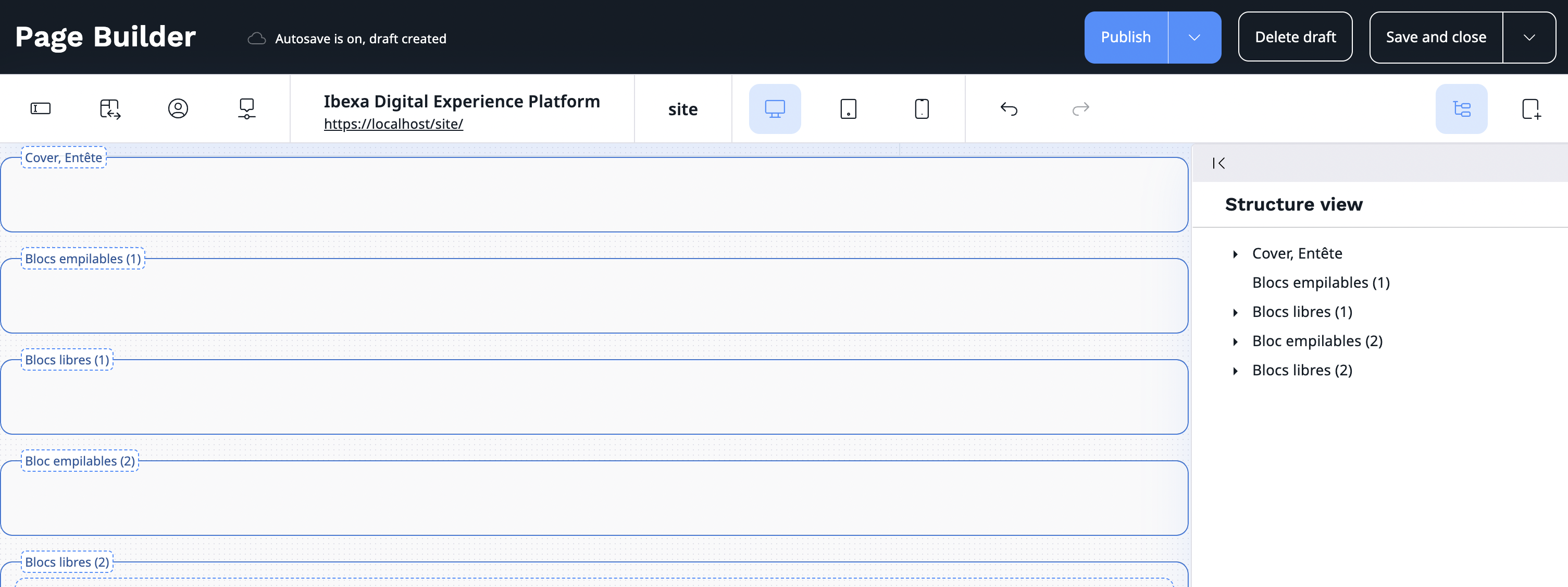
We continued development and created a hack to get all the areas with the desired name. Voilà!
If you would like to know more, please do not hesitate to contact us.
Nos derniers articles

Code généré par IA, Shadow Dev et dette technique : comment éviter la déstabilisation de votre application PHP/Symfony ?
Si les assistants IA ont révolutionné la production de code en accélérant significativement le développement, ...

Nouveautés de Dataflow : stockage des logs en fichier, et nettoyage automatisé de l'historique
Vous en avez marre d'avoir les logs de vos jobs dans la base de données ...
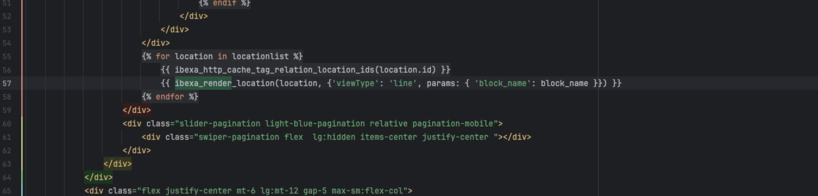
Comment utiliser les paramètres avec ibexa_render et ibexa_render_location
Si vous développez sur Ibexa depuis quelques années, vous avez pris pour habitude de passer ...
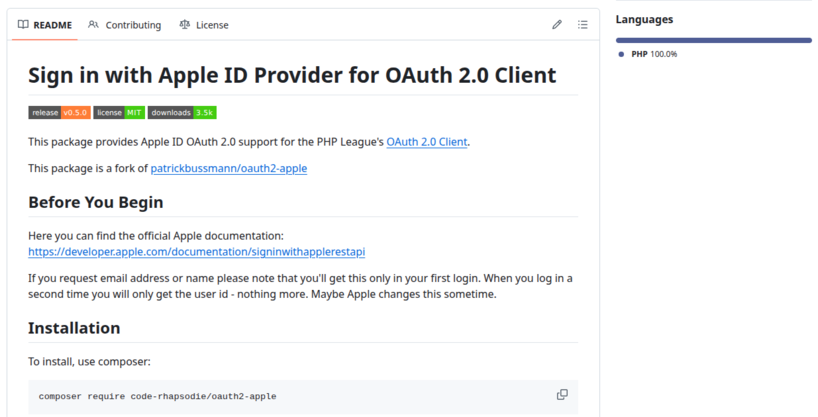
Reprise de la maintenance du provider Apple pour PHP League OAuth2 Client
Code Rhapsodie reprend la maintenance du package oauth2-apple de Patrick Bussmann. Ce fork garantit la ...

Nouvelle fonctionnalité de suggestion de mots-clés au connecteur Gemini pour Ibexa
La suggestion de mots-clés de Taxonomy est disponible dans Ibexa DXP avec le pack de ...

Split a large SQL file into smaller ones for easier import
Importing a very large SQL file can be problematic, sometimes causing your virtual machine (VM) ...

Sylius vs Shopware : Quelle architecture choisir pour votre futur e-commerce ?
Sylius et Shopware sont deux outils (framework) permettant la réalisation d'un site e-commerce. Comment choisir ...

Ibexa announces the release of a new LTS version with contributions from Code Rhapsodie
Ibexa published a security advisory and subsequently released new versions of Ibexa DXP v4.6.26 and ...

Connecteur Mistral pour les actions IA d'Ibexa
Connaissez-vous les Actions IA (AI Actions) d'Ibexa ? Les AI Actions, sont une solution extensible ...