

The Mistral connector for Ibexa is compatible with Ibexa v4.6 and requires the AI Actions LTS Update. To start using AI Actions, you need to install the required packages and complete the initial AI Actions configuration.
Next, follow the installation documentation available in the README of the Mistral connector for AI Actions.
To configure your Mistral API key, go to the Mistral AI developer documentation.
Don't forget to import the migrations after installing and enabling the connector. These migrations provide you with default actions such as:
- summarising a text (summarize),
- rewriting a text (rewrite),
- shortening a text (shorten).
Summarise, shorten, rewrite… translate
In rich text blocks, you also have an AI action button. Select a paragraph or a portion of text and choose the action that Mistral AI will run.

You can choose to replace the text or to add the result below it, and rework your text however you see fit.
Learn more
To go further, and why not develop your own AI connector, read the official Ibexa AI Actions documentation.
Your help is valuable: if you like our connector, talk about it on social media or join the co-development on GitHub.
Nos derniers articles
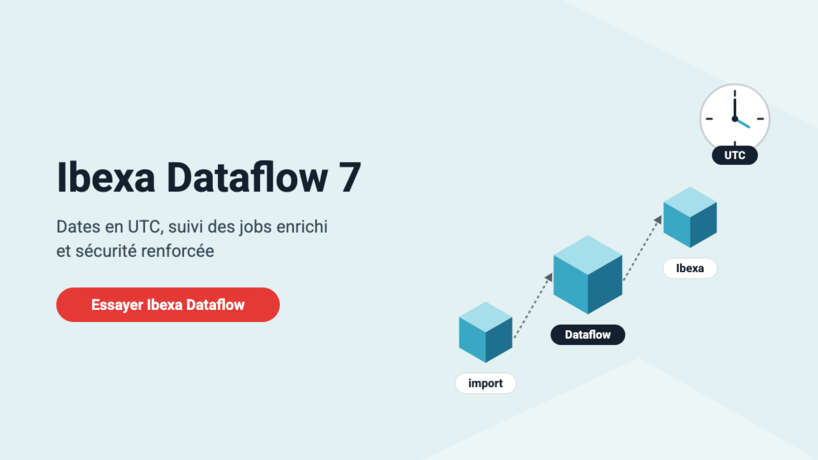
Dataflow and Ibexa Dataflow 7: UTC dates, richer job tracking, stronger security
Since our last article, Ibexa Dataflow has gone from version 6.1.2 to 7.0.0: a richer ...
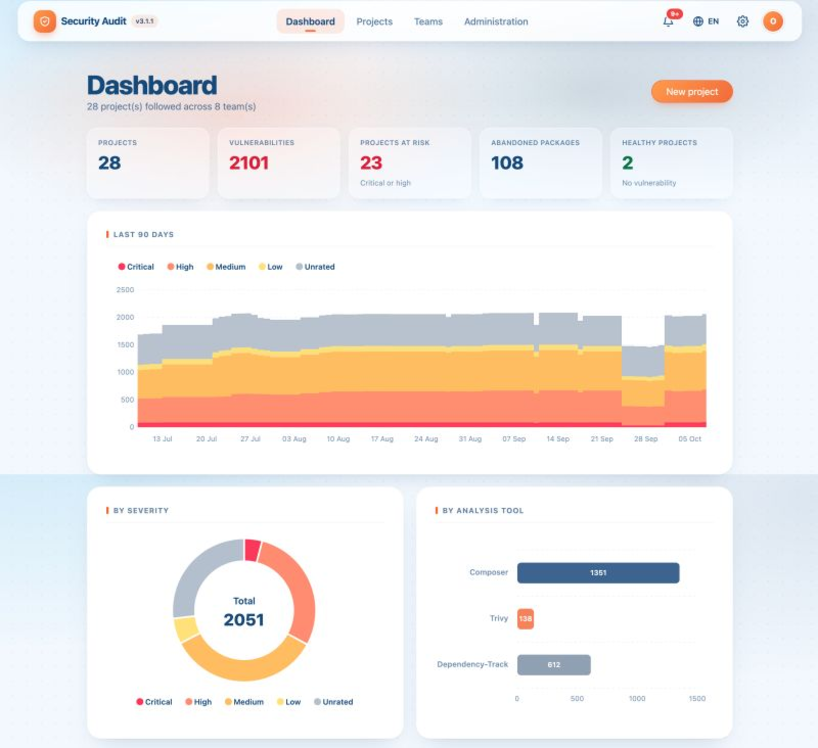
Security Audit gets a makeover: new design, new dashboard, still free
New dashboard, new design, new analyses and an ambitious roadmap: Security Audit moves to version ...

AI-generated code, Shadow Dev and technical debt: how to avoid destabilising your PHP/Symfony application
While AI assistants have revolutionised code production by significantly speeding up development, their widespread use ...
What's new in Dataflow: file-based log storage and automated history cleanup
Fed up with having your job logs in the database? Even more fed up with ...
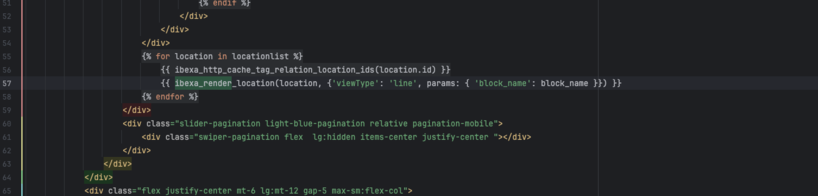
How to use parameters with ibexa_render and ibexa_render_location
If you have been developing on Ibexa for a few years, you have probably got ...
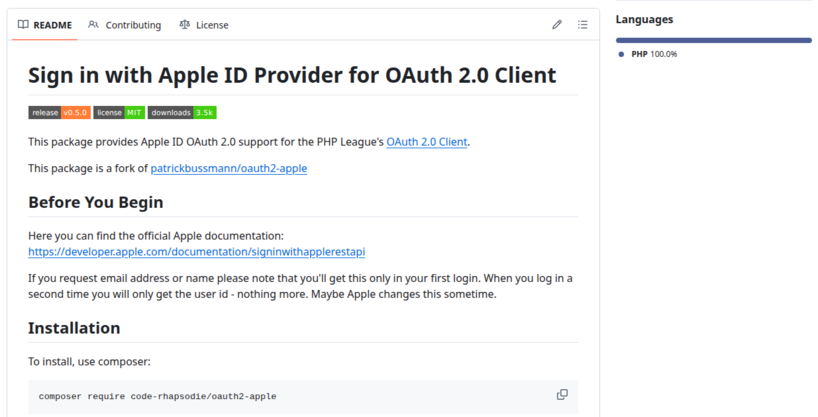
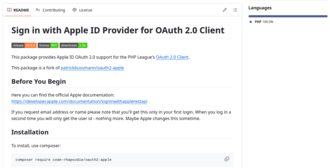
Taking over maintenance of the Apple provider for PHP League OAuth2 Client
Code Rhapsodie is taking over maintenance of Patrick Bussmann's oauth2-apple package. This fork ensures the ...
New keyword suggestion feature in the Gemini connector for Ibexa
Taxonomy keyword suggestion is available in Ibexa DXP with the LTS update pack and the ...

Split a large SQL file into smaller ones for easier import
Importing a very large SQL file can be problematic, sometimes causing your virtual machine (VM) ...
Sylius vs Shopware: which architecture should you choose for your future e-commerce site?
Sylius and Shopware are two tools (frameworks) for building an e-commerce site. How do you ...