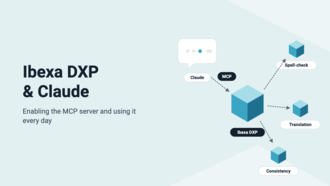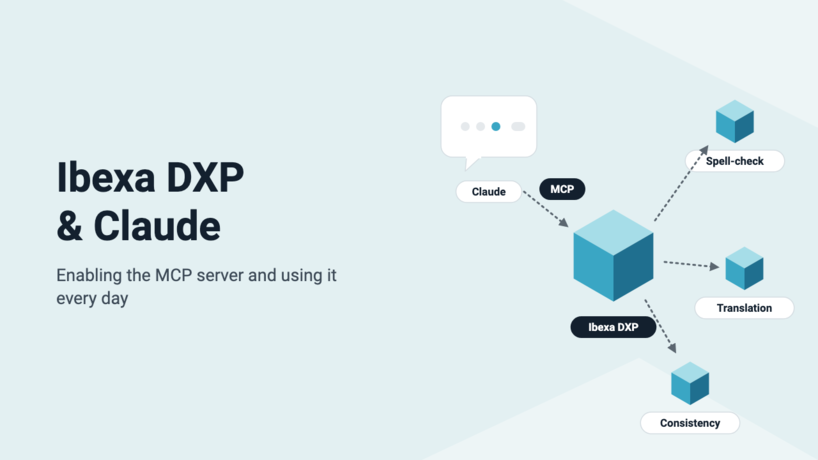


Since version 5.0.8, Ibexa DXP ships an MCP (Model Context Protocol) server that lets an AI assistant such as Claude read and edit your content. We have enabled it on code-rhapsodie.fr: here is how to do it, and the three ways we use it (spell-checking, translation and consistency checks).
What is MCP?
The Model Context Protocol (MCP) is an open protocol that lets an AI assistant use tools exposed by an application. With the ibexa/mcp package, your DXP becomes one of those tools. Claude can list content items, read their fields, create a draft, edit it and publish it. It always goes through the Ibexa PHP API and respects the permissions of the logged-in user.
The package is part of the "LTS Updates" and is available from Ibexa DXP v5.0.8, in every edition.
Step 1: install the package
composer require ibexa/mcp
The package ships no default configuration. No server is exposed until you declare one and enable it.
Step 2: declare an MCP server
An MCP server is declared at the repository level, then attached to one or more SiteAccesses. Its path is appended to the SiteAccess URL. Only the tools listed under tools are exposed.
ibexa:
    repositories:
        default:
            mcp:
                editorial:
                    path: /mcp
                    enabled: true
                    description: 'Editorial MCP server'
                    instructions: 'Use this server to read, proofread and translate the site content.'
                    tools:
                        - Ibexa\Mcp\Tool\Content\ContentTools
                        - Ibexa\Mcp\Tool\ContentType\ContentTypeTools
                        - Ibexa\Mcp\Tool\Language\LanguageTools
                        - Ibexa\Mcp\Tool\Location\LocationTools
                        - Ibexa\Mcp\Tool\RichText\RichTextTools
                        - Ibexa\Mcp\Tool\SeoTools
                        - Ibexa\Mcp\Tool\TranslationTools
                        - Ibexa\Taxonomy\Mcp\Tool\TaxonomyTools
                    discovery_cache: cache.redis.mcp
                    session:
                        type: psr16
                        service: cache.redis.mcp
                    allowed_hosts:
                        - 'www.example.com'

    system:
        site_group:
            mcp:
                servers:
                    - editorial
A few things to watch:
- enabled defaults to false . Without this line, the server does not exist.
- discovery_cache is required. It caches the list of tools. On a cluster, use a shared pool (Redis or Valkey) for both the cache and the sessions.
- allowed_hosts defaults to localhost , 127.0.0.1 and [::1] only. In production, add your site's domain name.
- Prefer several focused servers to a single server that exposes everything. The shorter the tool list, the better the assistant picks the right tool.
Then check that the route exists:
php bin/console debug:router --siteaccess=site ibexa.mcp
After every change to the tool list, clear the discovery cache:
php bin/console cache:pool:clear cache.redis.mcp
Step 3: authenticate the assistant
The assistant acts on behalf of a repository user, and Ibexa provides JWT authentication for this. Start by enabling token extraction from the Authorization header:
lexik_jwt_authentication:
    token_extractors:
        authorization_header:
            enabled: true
            prefix: Bearer
            name: Authorization
In config/packages/security.yaml , uncomment the ibexa_jwt_rest firewall, which is used to get a token. Then add a firewall dedicated to MCP, placed before the site's main firewall:
security:
    firewalls:
        ibexa_jwt_mcp:
            request_matcher: Ibexa\Mcp\Security\McpRequestMatcher
            user_checker: Ibexa\Core\MVC\Symfony\Security\UserChecker
            provider: ibexa
            stateless: true
            jwt: ~
To get a token:
curl -s -X POST "https://www.example.com/api/ibexa/v2/user/token/jwt" \
    -H 'Content-Type: application/vnd.ibexa.api.JWTInput+json' \
    -H 'Accept: application/vnd.ibexa.api.JWT+json' \
    -d '{"JWTInput": {"_media-type": "application/vnd.ibexa.api.JWTInput+json", "username": "ai-assistant", "password": "********"}}' \
    | jq -r '.JWT.token'
Our advice: create a user dedicated to the assistant, with a role limited to the sections and content types it needs to work on. Everything Claude does goes through Ibexa permissions, so that user's role defines what the assistant can do.
At Code Rhapsodie, we went one step further. We added an OAuth layer in front of the MCP server, with automatic discovery (RFC 9728 and RFC 8414) and dynamic client registration. Each team member signs in with their own Ibexa account, from their browser, without handling any token.
Step 4: connect Claude
With Claude Code, from the command line and with a JWT:
claude mcp add --transport http ibexa https://www.example.com/mcp \
    --header "Authorization: Bearer $IBEXA_JWT"
With an OAuth-protected server, the URL is enough. The /mcp command in Claude Code then opens the authorization page in your browser.
claude mcp add --transport http ibexa https://www.example.com/mcp
The same server can also be added as a custom connector in Claude (web or desktop app). Then type /mcp in Claude Code to check the connection and see the list of exposed tools.
Our use cases
One rule applies to all our use cases: Claude always works in a draft. It creates a new version with create_content_draft , edits it with update_content , then publishes it with publish_version , or leaves it as a draft for review.
1. Spelling and grammar checks
We ask Claude to proofread an article or a batch of articles. It loads the content with get_content , fixes spelling, grammar and typography mistakes (non-breaking spaces, French quotation marks…) in the title, the lead and the body, then saves everything in a draft. Rich text fields are read and written back in Ibexa's XML format, which keeps formatting, links and images intact.
2. Translation
The list_non_translated_content_ids tool lists the content items that have no translation yet in a given language. For each one, Claude creates a draft in the target language (for example eng-GB ). It translates the fields, SEO metadata included, then publishes the new translation. This is how we translated a large part of our blog into English.
A lesson learned: when a draft touches several languages (French corrections and an English translation, for example), publish it through MCP and list every affected language in publish_version . Please note that when editing from the back-office, the rich text editor will strip tabs from code blocks. We recommend using 4 spaces instead of tabs.
3. Consistency checks
On a site that has been running for years, inconsistencies pile up: French and English versions that no longer say the same thing, a product name spelled several ways, forgotten taxonomy tags, contradictory information from one page to another… Claude walks the content tree with list_locations and compares content items and their translations. It also checks taxonomy assignments (list_taxonomy_entries , assign_to_taxonomy_entry ). It produces a report of the discrepancies and suggests fixes as drafts.
Best practices
- A dedicated user with a restricted role. Ibexa permissions remain your best safeguard.
- Drafts and human review. Only let the assistant publish directly for well-defined tasks.
- Focused servers. An "editorial" server and a "modelling" server are better than one server that exposes everything.
- Clear the cache after every configuration change. Otherwise, the tool list Claude sees does not change.
- Tools that are still experimental. The tools shipped by Ibexa may change from one version to the next: test before every upgrade.
The MCP server turns your DXP into a workspace that AI can use directly, without copying and pasting between the assistant and the back office. Want to enable it on your Ibexa project, or build your own business-specific MCP tools? Contact us.
Nos derniers articles
Ibexa DXP and Claude: enabling the MCP server and using it every day
Since version 5.0.8, Ibexa DXP ships an MCP (Model Context Protocol) server that lets an ...
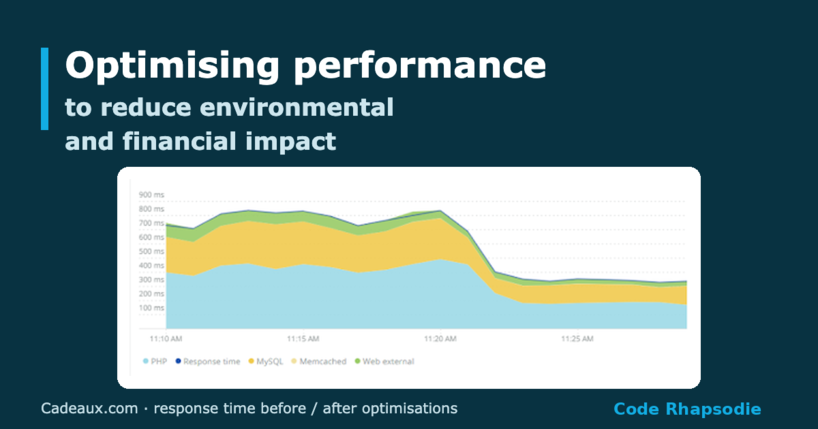
Optimising performance to reduce environmental and financial impact
Cadeaux.com saw its Valentine's Day outperform Christmas with half as many servers. A look back ...
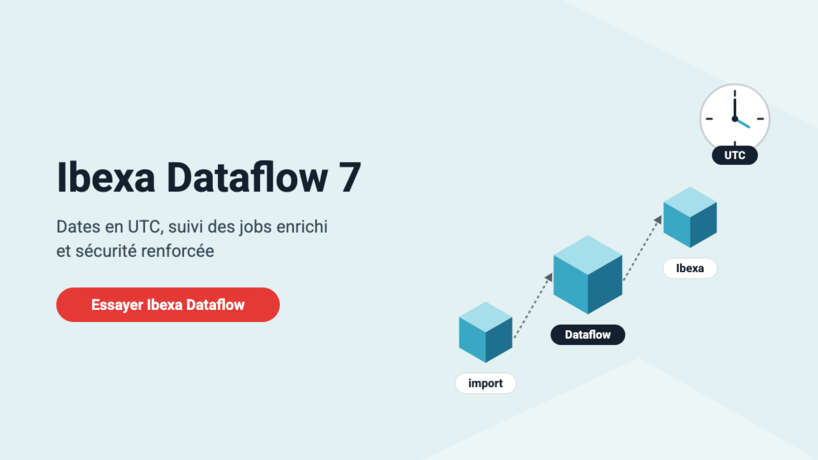
Dataflow and Ibexa Dataflow 7: UTC dates, richer job tracking, stronger security
Since our last article, Ibexa Dataflow has gone from version 6.1.2 to 7.0.0: a richer ...
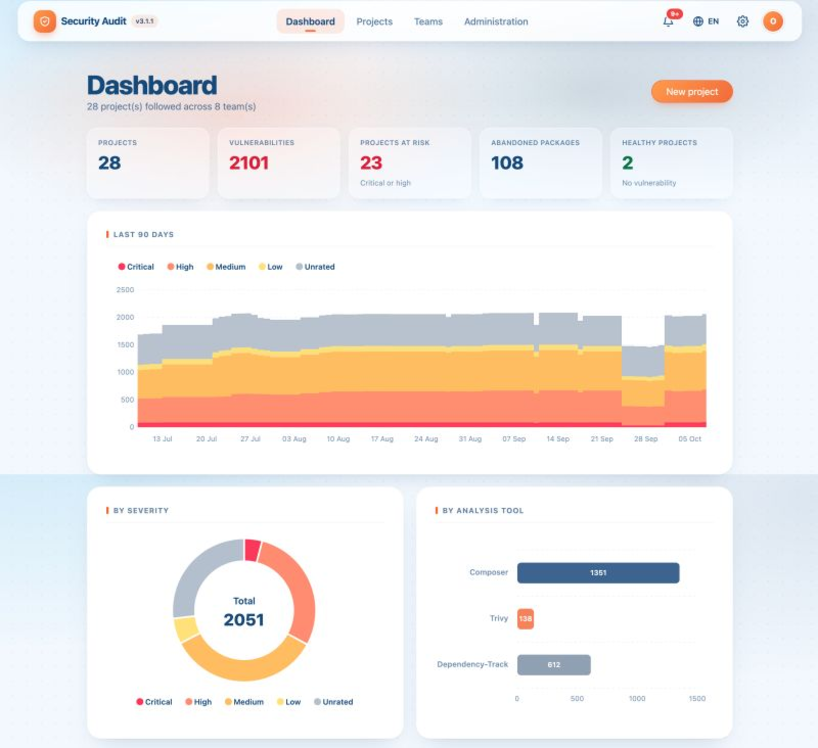
Security Audit gets a makeover: new design, new dashboard, still free
New dashboard, new design, new analyses and an ambitious roadmap: Security Audit moves to version ...

AI-generated code, Shadow Dev and technical debt: how to avoid destabilising your PHP/Symfony application
While AI assistants have revolutionised code production by significantly speeding up development, their widespread use ...
What's new in Dataflow: file-based log storage and automated history cleanup
Fed up with having your job logs in the database? Even more fed up with ...
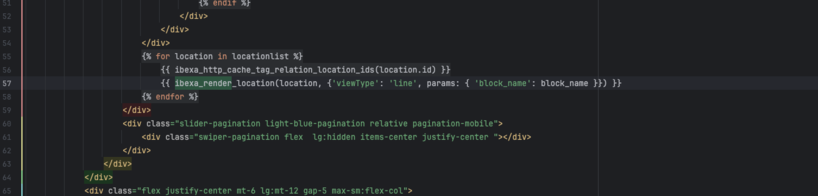
How to use parameters with ibexa_render and ibexa_render_location
If you have been developing on Ibexa for a few years, you have probably got ...
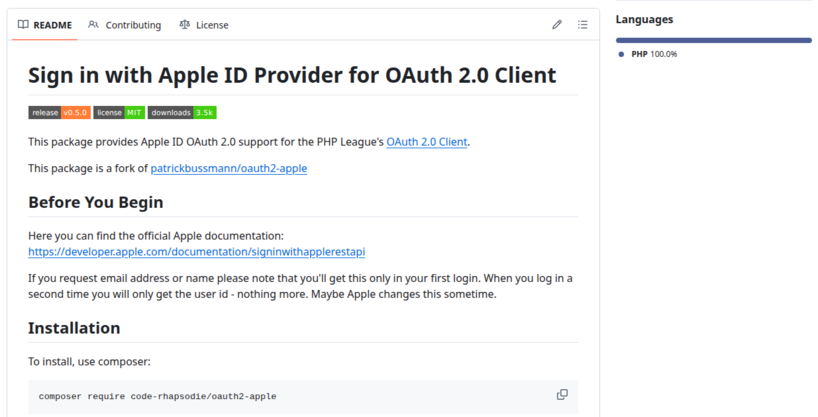
Taking over maintenance of the Apple provider for PHP League OAuth2 Client
Code Rhapsodie is taking over maintenance of Patrick Bussmann's oauth2-apple package. This fork ensures the ...
New keyword suggestion feature in the Gemini connector for Ibexa
Taxonomy keyword suggestion is available in Ibexa DXP with the LTS update pack and the ...