

Ibexa DXP
The company Ibexa, formerly known as eZ Systems, offers a range of products for businesses, covering various use cases. We know Ibexa Content and its Enterprise edition Ibexa DXP well, as we use them daily to deliver CMS projects. The Ibexa Commerce module is also available for those who want to manage their products, catalogues and integrated checkout flows aimed at businesses (B2B).
Being familiar with Sylius, I was curious to see the differences between the two tools. Ibexa Commerce is geared towards business-to-business commerce (B2B), whereas Sylius is geared towards e-commerce aimed at consumers (B2C).
Comparing the two may seem inconsistent, but the goal is to find out how Sylius can meet a B2B need and Ibexa a B2C need.
Sylius
Just like the Ibexa products, Sylius is based on the Symfony framework and offers multi-language, multi-variant, multi-channel and multi-currency management out of the box.
Unlike other tools in the sector that offer a very large number of features, Sylius needs to be customised to fit your business needs. However, it already includes basic features for managing the cart, payment, shipping, cart promotions, catalogue promotions and, of course, geographical zones with VAT and delivery criteria on products. This largely covers the needs you would have when setting up a B2C platform.
Demo instances are available for the back office and the online shop.
Ibexa Commerce
Before discovering this product, and drawing on my e-commerce knowledge and my experience with Ibexa Content, I had certain expectations of it.
For example, multi-language management for product categories and products, as well as multi-currency management. For products, I expect them to be managed like content items, with versioning.
I also expect to be able to manage product properties as well as variants (the same product with changing properties, such as colour or size). I expect to be able to configure my carriers and payment methods.
Product Information Management (PIM)
To get to grips with the tool, I tried to add a product and then order it from the website.
So I started by logging in to the application's back office.

Ibexa Commerce adds two new menus to Ibexa Content:
- PIM: for managing products and catalogues (1),
- and Commerce for managing orders (2).
The first difference between Sylius and Ibexa Commerce: the latter has far fewer menus for configuring the application.
So I started by trying to add a product. But it is not that simple. First, you need to add a “Product Type” template. It holds the information about the product's fields (like the fields of an Ibexa Content content type ), but also the VAT information applicable to this type of product and the product's properties.
Unlike Sylius, where everything can be done from the back office, in Ibexa Commerce the VAT rates, geographical zones and currencies are configured by the developer in the application's configuration files.
There is a subtlety with currencies. As with languages, they must be enabled in the back office before being configured in the YAML files. Ibexa Content regulars will not be too disoriented by this concept.
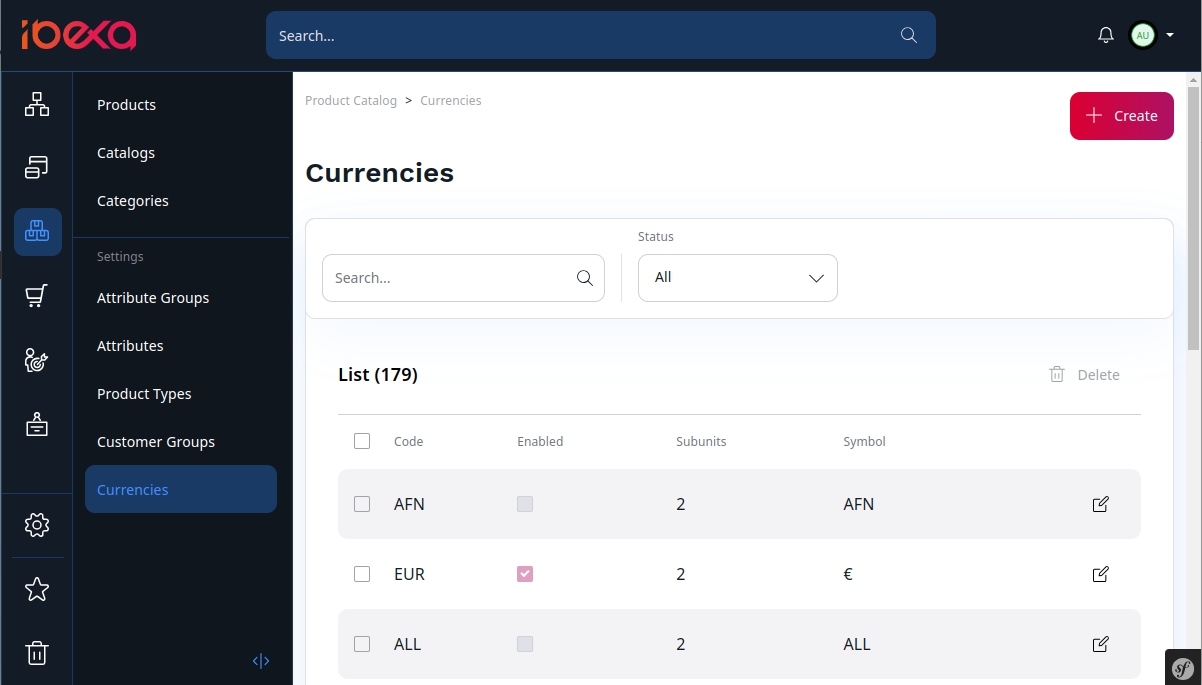
As for payment and shipping methods, you need to ask the developer to add the ones you need. Out of the box, there is only offline payment (bank transfer, cheque, cash…). These payment methods are very common in business-to-business transactions. For shipping costs, you can choose between free shipping or a fixed amount per order.
Documentation is available to add a payment method or add a way to calculate shipping costs.
If you want to add a carrier such as La Poste, you will need to add a new carrier type with a form to store the price grid based on weight. But be careful: unlike Sylius, the common properties of size, volume and weight do not exist by default in Ibexa Commerce. You will need to make sure you add this information to an attribute group and add this group to all shippable products.

I will stop there with product configuration for now: I managed to add a product with photos and a price, so let's take a look at the storefront.
The storefront
At first glance, the default templates are sufficient, since I did nothing to get a working site.
Unlike Sylius, where you need to assign the product to all parent categories for it to appear in them, here it is automatic. Both approaches are valid in my view, because depending on how you work, a parent category can display all products or only the list of child categories.
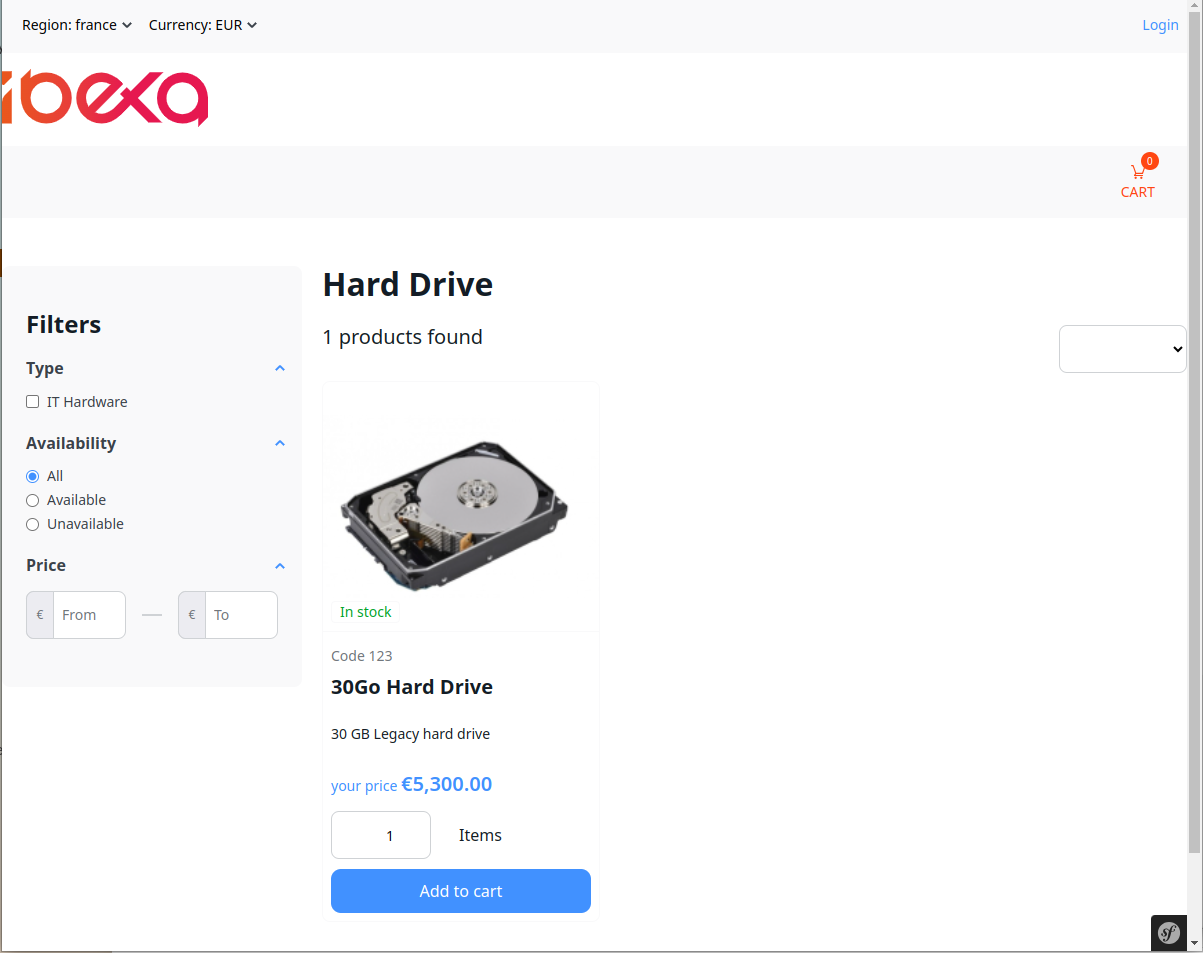
Adding to the cart is very quick and lacks visual confirmation, but is that really necessary for a theme that will inevitably be customised to meet the client's needs?
When viewing the cart, a surprise awaits me: the prices entered in the back office are “excluding VAT”. For a B2B tool, this choice is entirely consistent. Businesses do not take VAT into account in the price of their purchases, unlike consumers.

The rest of the checkout flow works and is business-oriented. During the first test, I was not logged in and the order was placed without creating an account on the site. This feature is similar to Sylius and surprises me for e-commerce aimed at businesses. Requiring an account seems more necessary to me, as does entering the intra-community VAT number.
However, this makes it easy to run an e-commerce site aimed at consumers.
Finally, the stock was indeed decremented when the order was placed. Ibexa Commerce has chosen to require stock management for all products and to prohibit out-of-stock orders. To avoid this inconvenience for certain products, you can set unlimited stock.
Conclusion
There are many differences between Sylius and Ibexa Commerce. The latter has opted for simplicity, which will need to be tested against the reality of a B2B client project to validate the flexibility of the solution.
Here is a comparison table between Sylius and Ibexa Commerce. I am not taking into account the features of Sylius Plus, which should be considered if you want to carry out a B2B project.
| Feature | Sylius | Ibexa Commerce |
|---|---|---|
| Management of products, variants, base prices | ✅ Yes | ✅ Yes |
| Management of cart promotions, catalogue promotions | ✅ Yes | ❌ No (to be developed) |
Price management by customer category (global discount, product-specific discount) | ⚠️ No (to be developed) | ✅ Yes |
| Cart and checkout management | ✅ Yes | ✅ Yes |
| Customisation of payment methods and carriers | ✅ Yes (community plugins available) | ✅ Yes (no community plugins ⚠️) |
| Multiple parcels per order | ✅ Yes | ❌ No shipment management |
| Multiple payments per order | ✅ Yes | ❌ Only one payment per order |
The two tools have very different uses; however, there are circumstances that justify using an “unsuitable” tool. Let's now look at when to choose which tool:
| Case | Sylius | Ibexa Commerce |
|---|---|---|
| Your e-commerce is aimed at businesses (B2B) | ❌ Some specific features will need to be developed (pricing based on the user's group, notion of company), while others will be useless (promotions). | ✅ Little development needed. |
| Your e-commerce is aimed at consumers but you have few products or only virtual products, and you already have Ibexa Content. | ⚠️ Little development needed on Sylius, but the two tools will have to be integrated. | ✅ A single all-in-one platform ⚠️ Some development needed for promotions if required. |
| Your e-commerce is aimed at consumers with many products, virtual or physical. | ✅ With or without Ibexa Content, Sylius is the solution. | ❌ Marketing needs (promotions, payment methods, carriers) will require a lot of development in the application. |
Situations that lead to choosing an “unsuitable” tool will inevitably have consequences at some point. In our case, when the catalogue grows and success follows, marketing needs will demand the development of the missing features. I think it is important to keep this in mind to anticipate these issues during the application's lifetime.
We will continue our analysis of Ibexa Commerce in another blog post to go into more detail.
Nos derniers articles
Ibexa DXP and Claude: enabling the MCP server and using it every day
Since version 5.0.8, Ibexa DXP ships an MCP (Model Context Protocol) server that lets an ...
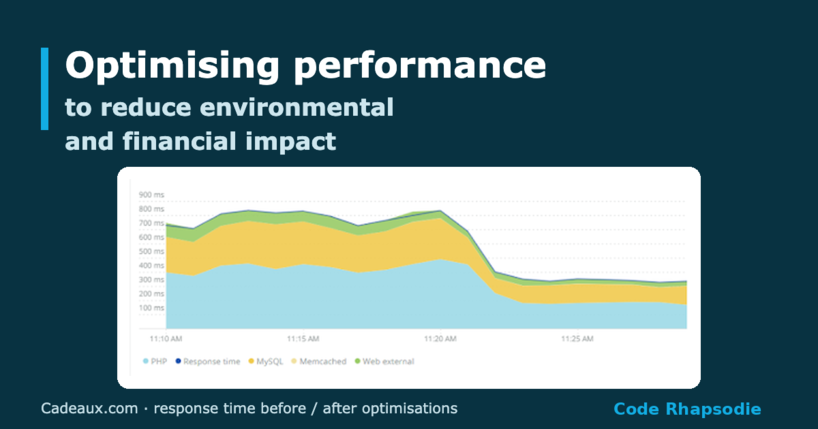
Optimising performance to reduce environmental and financial impact
Cadeaux.com saw its Valentine's Day outperform Christmas with half as many servers. A look back ...
Dataflow and Ibexa Dataflow 7: UTC dates, richer job tracking, stronger security
Since our last article, Ibexa Dataflow has gone from version 6.1.2 to 7.0.0: a richer ...
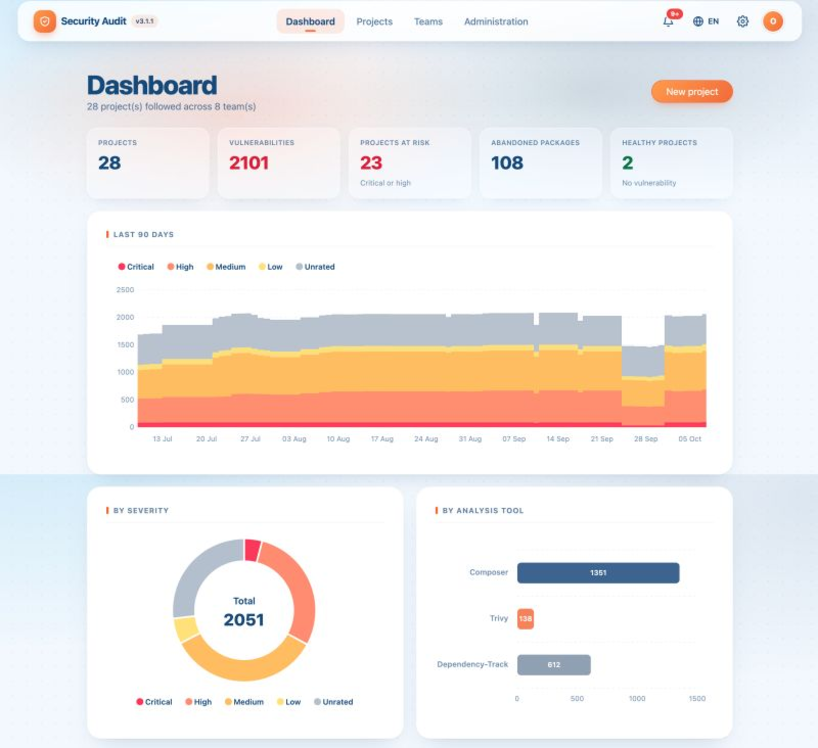
Security Audit gets a makeover: new design, new dashboard, still free
New dashboard, new design, new analyses and an ambitious roadmap: Security Audit moves to version ...

AI-generated code, Shadow Dev and technical debt: how to avoid destabilising your PHP/Symfony application
While AI assistants have revolutionised code production by significantly speeding up development, their widespread use ...

What's new in Dataflow: file-based log storage and automated history cleanup
Fed up with having your job logs in the database? Even more fed up with ...
How to use parameters with ibexa_render and ibexa_render_location
If you have been developing on Ibexa for a few years, you have probably got ...
Taking over maintenance of the Apple provider for PHP League OAuth2 Client
Code Rhapsodie is taking over maintenance of Patrick Bussmann's oauth2-apple package. This fork ensures the ...
New keyword suggestion feature in the Gemini connector for Ibexa
Taxonomy keyword suggestion is available in Ibexa DXP with the LTS update pack and the ...